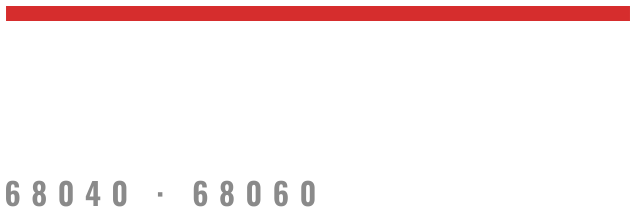
Install: 68030 disk
An A3000, with the system disk at SCSI id 6 on its own controller. The image boots only there; on any other machine or controller, an A4000 with a 68030 card and an A4091 among them, use the install CD.
Supported · emulation Tested in emulation only; not yet run on real hardware.
You need
- the 68030 image, written to a SCSI disk of 3600 MiB or more, or served by a SCSI emulator;
- the Kickstart ROM for your machine, from your own ROMs.
Install
- Put the disk at SCSI id 6 on the A3000's own SCSI.
- Power on. Kickstart boots the disk by itself and the system asks its questions once:
first boot. Then log in as
rootwith the password you gave it.
AmigaOS starts instead: hold both mouse buttons at power-on, Boot Options, UNIX_Boot.
Stuck? Report it in amigaux/amix; see Support.